From William Paterson University - Information Technology's Wiki
Jump to navigation
Jump to search
=Option 1: Save/Export to PDF
- Under files, click export
- Click create PDF/XPS document
- Save document and print the new file.
-
Under files, click export
-
Click create PDF/XPS document
-
Save Document and print the new file
Option 2: Print to PDF using Microsoft Print to PDF
- Under files, select Print
- Select the printer "Microsoft Print to PDF"
- Click "Print" and save the newly-created PDF. Then print the file.
-
Under files, select Print
-
Select the printer "Microsoft Print to PDF"
-
Click "Print" and save the newly-created PDF. Then print the file.
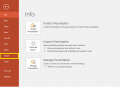 Under files, click export
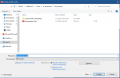 Save Document and print the new file

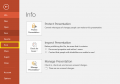 Under files, select Print
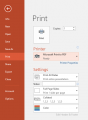 Select the printer "Microsoft Print to PDF"
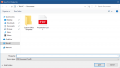 Click "Print" and save the newly-created PDF. Then print the file.

