Print to PDF
Version 1:
- Under files, click export
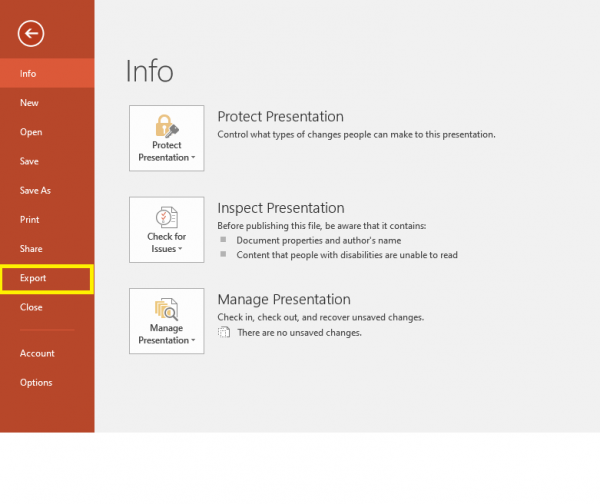
- Click create PDF/XPS document
File:Printtopdf2.png - Save document and print the new file.
File:Printtopdf3.png


Version 2
1. Under files, select Print

2. Select the printer "Microsoft Print to PDF"

3. Click "Print" and save the newly-created PDF. Then print the file.
