IPhone/iPad/iTouch Wireless: Difference between revisions
Jump to navigation
Jump to search
No edit summary |
No edit summary |
||
| Line 22: | Line 22: | ||
[[Category:Network Services]] | [[Category:Network Services]] | ||
[[Category:Mobile]] | [[Category:Mobile]] | ||
[[Category:Apple]] | |||
Revision as of 15:48, 27 March 2013
- Select WP Wireless From the Available Networks
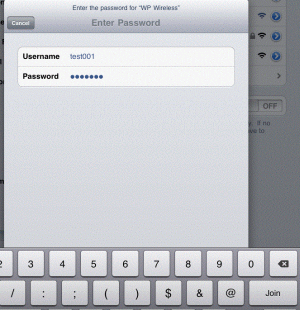
- When prompted, enter your WPConnect Username and Password and click 'Join'
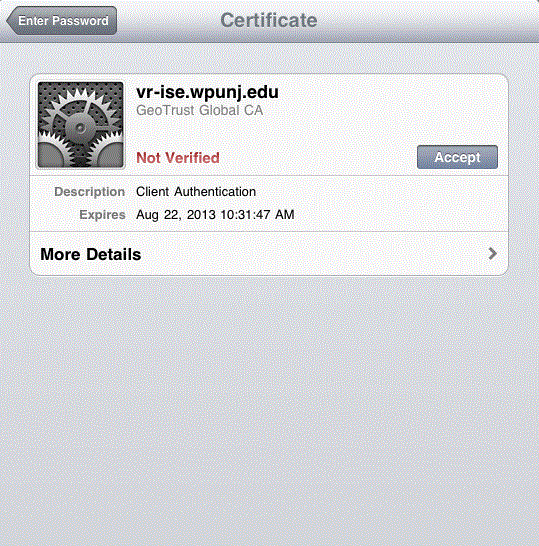
- When Prompted, Accept the Certificate
- Test your internet connection. If you do not have internet access, repeat the steps above. If you still have no internet access, contact Help Desk Request.

