Windows 8/8.1: Difference between revisions
Jump to navigation
Jump to search
How to connect to WP Wireless using Windows 8/8.1 Devices |
(No difference)
|
Revision as of 09:21, 20 July 2015
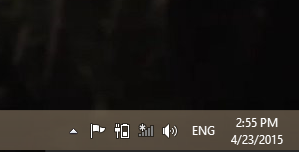
- From Desktop:
Click wireless icon in taskbar on the lower right hand side of the screen
- From Metro Desktop:
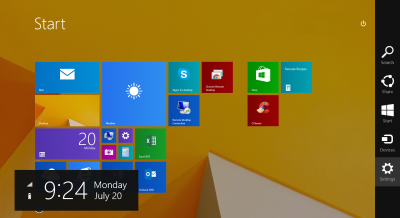
- Open charm menu by pointing cursor to the top right corner of the screen, or swipe from the right of the screen if using a touch screen device.
- Click the wireless icon on the right
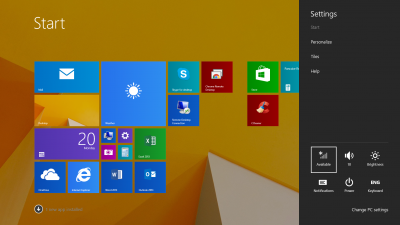
- Open charm menu by pointing cursor to the top right corner of the screen, or swipe from the right of the screen if using a touch screen device.
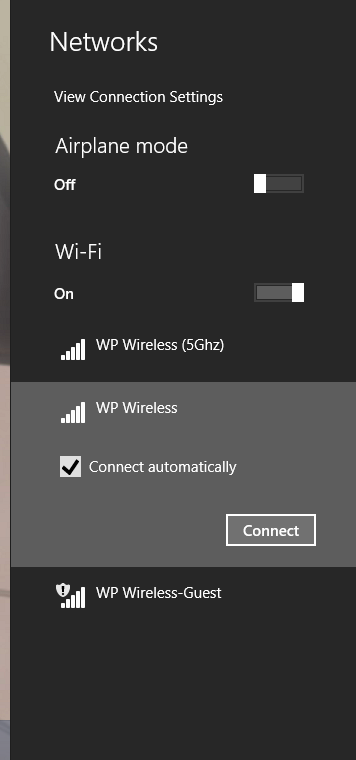
- Select WP Wireless from the network list
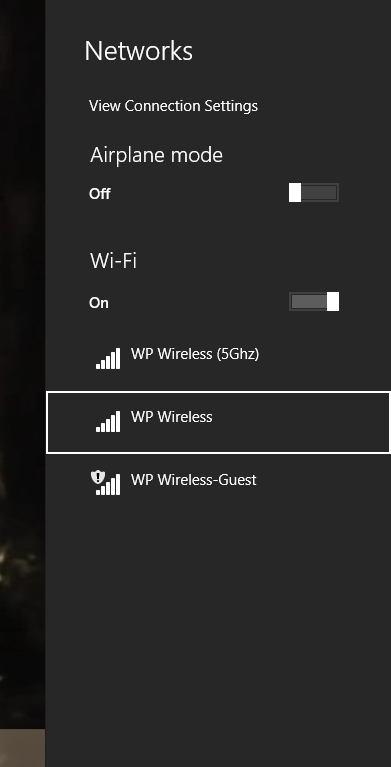
- Click Connect
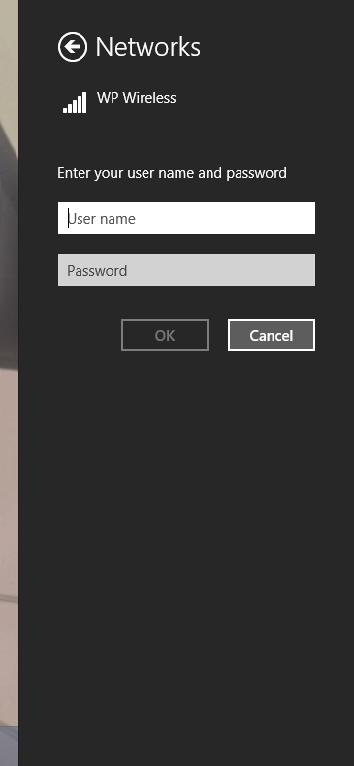
- You will then be prompted for a User name and Password. Enter in your WP Connect User name and Password. (Same password as your Email/Blackboard)
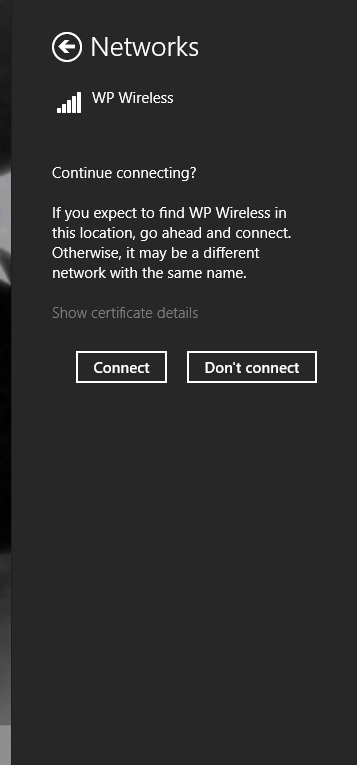
- You will then be asked to continue connecting. Click Connect.
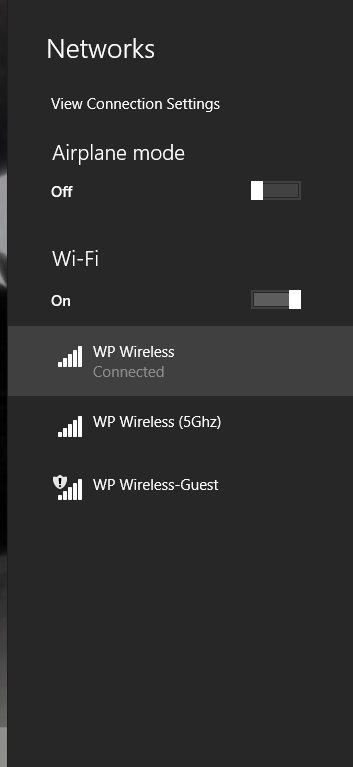
- After a successful connection you will see Connected under WP Wireless.


Please contact Help Desk Request if you are unable to connect.