Figma: Difference between revisions
Jump to navigation
Jump to search
Created page with "category:Software Guides ==About== Figma is a collaborative design tool ==Installing Figma== Figma is installed per user. If Figma is requested in a computer lab environment, IT can put an "install" link on the desktop that each user must use to install Figma to their user profile. # Click Figma Setup on the desktop <div class="toccolours mw-collapsible mw-collapsed" style="width:85px"> 85px</div> # Click '''Log in with browser''' <d..." |
(No difference)
|
Latest revision as of 10:15, 5 October 2023
About
Figma is a collaborative design tool
Installing Figma
Figma is installed per user. If Figma is requested in a computer lab environment, IT can put an "install" link on the desktop that each user must use to install Figma to their user profile.
- Click Figma Setup on the desktop

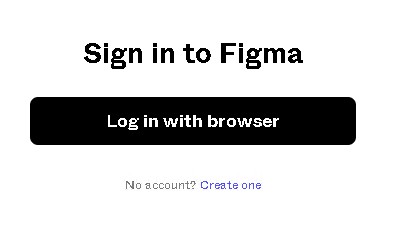
- Click Log in with browser
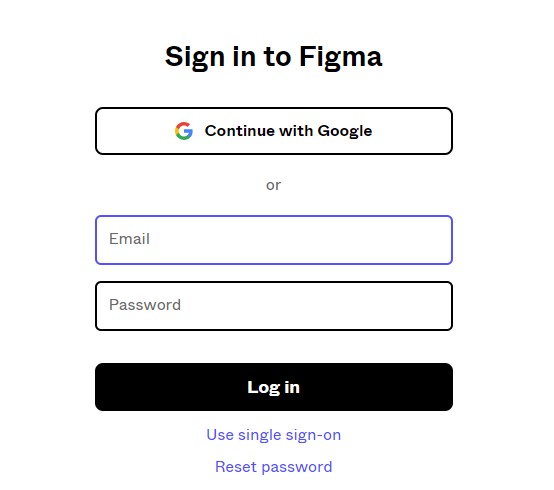
- Enter your Figma username & password. Log in.
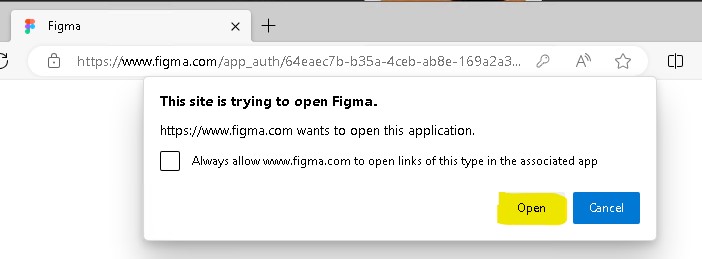
- A window will verify your identity. Click Open the desktop app

- If a popup appears prompting you, click Open
- The user will now have an entry for Figma in the start menu.


This process will need to be done on all users that log into the machine that wish to install Figma to to their profile.